 Welcome To JG IT Solution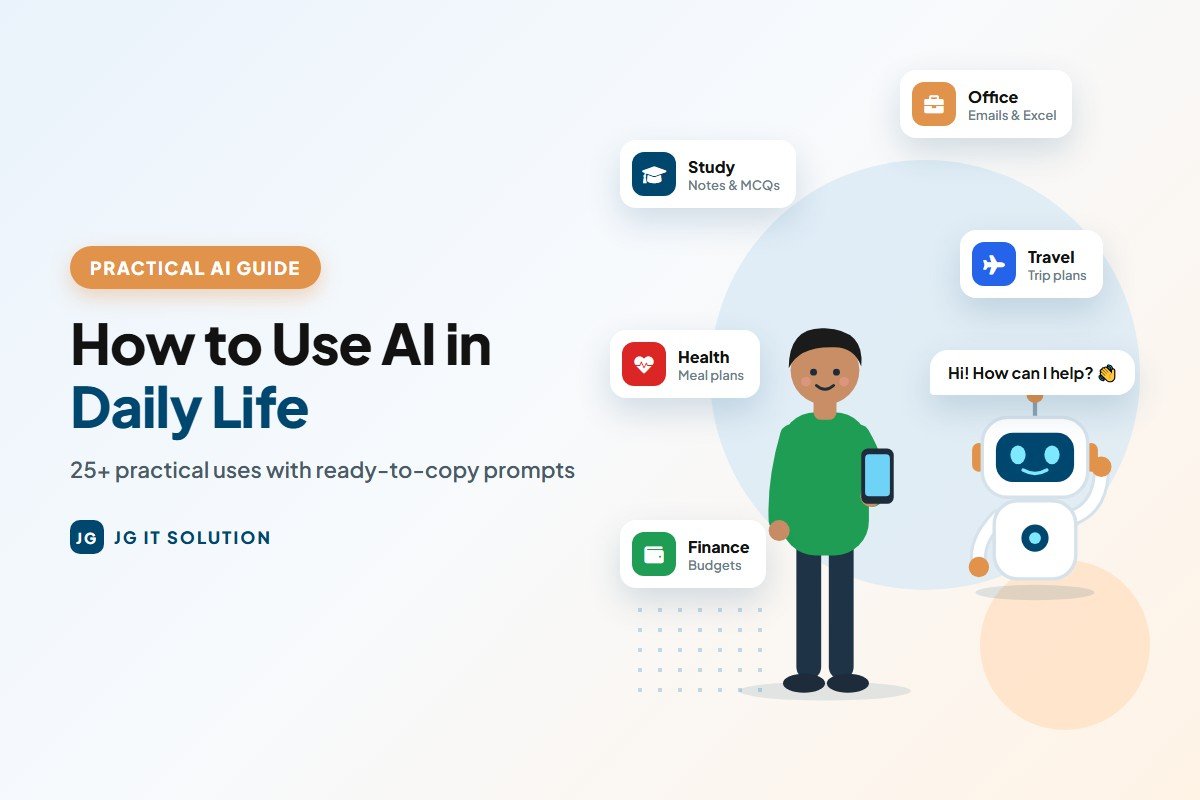
AI is no longer only for programmers and tech companies. Today, students use it to understand difficult chapters, office workers use it to write emails faster, shop owners use it to create offers, and families use it to plan trips and budgets. If you have ever wondered how to use AI in daily life in a simple, practical way, this guide is for you.
We will use the three most popular AI assistants - ChatGPT, Claude and Gemini. You do not need any technical knowledge. If you can type a message on WhatsApp, you can use these AI tools. Below you will find more than 25 real uses, ready-to-copy prompts, tips for better answers and important safety rules.
Not sure which AI to start with? Read our detailed comparison: ChatGPT vs Claude vs Gemini - which AI is best for you.
Getting Started: How to Use ChatGPT, Claude and Gemini
The first step in learning how to use AI in daily life is simply opening one of these tools. All three work in a similar way. You type (or speak) your question, and the AI replies. Here is how to begin:
- How to use ChatGPT: visit chatgpt.com or install the ChatGPT app, sign in, and start typing in the message box.
- How to use Claude AI: go to claude.ai or install the Claude app, create an account and start a new chat.
- How to use Gemini: open gemini.google.com with your Google account, or use the Gemini app (on many Android phones it is already built in).
All three have free plans, so you can try every idea in this article without paying anything.
How to Use AI in Daily Life: 25+ Practical Uses
Here are the most useful ChatGPT uses (that also work in Claude and Gemini), grouped by category. Each category has example prompts you can copy, paste and change for your own needs.
1. AI for Students and Study
- Explain a difficult topic simply - ask AI to explain like a teacher, with examples.
- Create practice questions - MCQs or short questions from any chapter.
- Make revision notes - turn long chapters into short bullet points.
- Plan a study timetable - based on your exam dates and free hours.
- Improve English - correct grammar and suggest better words in your essays.
Example prompts:
- "Explain photosynthesis to a Class 10 student in simple English with one real-life example. Then ask me 5 MCQs to check my understanding."
- "My exams start on 15 March. I can study 4 hours a day. Make a 30-day study plan for Maths, Science and English with revision days."
Important: use AI for students as a tutor, not a shortcut. Copying AI answers into assignments can be treated as cheating, and you will not actually learn.
2. AI for Office Work
- Write professional emails - leave requests, follow-ups, client replies.
- Summarise long documents - reports, circulars or meeting notes.
- Prepare presentations - slide outlines and speaker notes.
- Create Excel formulas - explain what you want in plain words.
Example prompts:
- "Write a polite email to my manager asking for 2 days of leave on 12-13 June for a family function. Keep it short and professional."
- "In Excel, column B has sales and column C has targets. Give me a formula to show 'Achieved' if sales are equal to or above target, otherwise 'Pending'."
3. AI for Small Business
- Write product descriptions for your website or online store.
- Reply to customer reviews politely, including negative ones.
- Plan festival offers for Diwali, Navratri or year-end sales.
- Draft business documents like quotations, policies and letters.
Example prompts:
- "I run a mobile accessories shop in Rajkot. Suggest 5 Diwali offer ideas that increase sales without big discounts."
- "A customer left a 2-star review saying delivery was late. Write a polite reply apologising and offering help."
Need a ready invoice or salary slip? Try our free business tools - GST calculator, invoice generator and payslip generator.
4. AI for Content and Social Media
- Instagram captions and hashtags for your posts.
- Blog post outlines and topic ideas.
- YouTube video scripts and titles.
- Content calendars for a full month.
Example prompt:
- "Create a 30-day Instagram content calendar for a bakery in Ahmedabad. Include post ideas, captions and 5 hashtags for each day."
5. AI for Coding and Tech Help
- Explain an error message and suggest a fix.
- Write small scripts or website code snippets.
- Learn programming step by step with exercises.
Example prompt:
- "I am learning Python. Explain what a 'for loop' is with 3 simple examples, then give me 3 small exercises with answers hidden at the end."
6. AI for Health and Fitness Planning
- Simple workout plans for home or gym.
- Weekly meal plans for vegetarian or Jain diets and a fixed budget.
Example prompt:
- "Make a 7-day vegetarian Indian meal plan for weight loss for a working person. Use simple home-cooked food and include a grocery list."
Note: AI can help you plan, but it is not a doctor. For medical conditions, medicines or serious health concerns, always consult a qualified doctor.
7. AI for Travel
- Trip itineraries day by day with places to visit.
- Packing lists based on weather and trip length.
Example prompt:
- "Plan a 4-day family trip to Udaipur in December for 2 adults and 2 kids. Include sightseeing, food suggestions and a rough budget."
Always double-check timings, ticket prices and train or flight details on official websites, because AI information can be outdated.
8. AI for Finance Basics
- Understand money terms like SIP, EMI, GST or compounding in simple words.
- Make a monthly budget from your income and expenses.
Example prompt:
- "My monthly salary is ₹35,000. Rent is ₹9,000 and other fixed bills are ₹6,000. Help me make a simple monthly budget with savings."
For exact numbers, use a calculator - for example our free SIP calculator and GST calculator. AI should not replace a certified financial advisor for investment decisions.
9. AI for Shopping
- Compare products like phones, laptops or appliances by your needs.
- Make a shopping checklist for a new home, wedding or festival.
Example prompt:
- "I want a laptop for college and light photo editing. What specifications should I look for? Explain RAM, processor and storage in simple words."
10. AI for Home and Family
- Plan a party or function - guest list, menu and task checklist.
- Help children with homework - explain concepts so you can teach them.
- Write wishes and messages for birthdays, anniversaries and festivals.
Example prompt:
- "Plan my son's 8th birthday party at home for 20 kids. Give a 3-hour schedule, 5 simple games, a snack menu and a shopping checklist under ₹5,000."
Using AI in Gujarati, Hindi and Other Indian Languages
You do not have to use English. ChatGPT, Claude and Gemini can understand and reply in Gujarati, Hindi, Marathi and many other Indian languages. You can also type in a mix of English and your language, and the AI usually understands.
- "Mane Gujarati ma samjavo ke GST shu chhe, ek nana udaharan sathe."
- "Write a Diwali greeting for my customers in simple Hindi, in 3 short lines."
For important public content, ask a fluent person to check the final text, because grammar in regional languages is not always perfect. On mobile, you can also use voice input and simply speak your question in your own language.
A Day With AI: A Real-Life Example
Here is how a small business owner in Gujarat might use AI in one normal day - without any technical skills:
- 9:00 AM: asks AI to summarise 15 customer WhatsApp enquiries pasted into the chat and suggest polite replies.
- 11:00 AM: creates three Instagram captions for a new product and picks the best one.
- 2:00 PM: uploads a supplier quotation PDF and asks AI to compare it with last month's prices.
- 5:00 PM: writes a professional payment reminder email to a client.
- 9:00 PM: plans the next week's tasks and gets a simple to-do list.
None of these tasks is complicated, but together they can save one to two hours every day. That is the real power of AI in daily life: many small time-savings that add up.
AI Prompts Examples: How to Write a Good Prompt
The quality of the answer depends on the quality of your question. A good prompt usually has four parts:
- Role: who should the AI act as? (teacher, marketing expert, travel planner)
- Task: what exactly do you want?
- Details: your situation - city, budget, level, deadline.
- Format: how should the answer look? (table, bullet points, 100 words)
Weak prompt: "Write a post about my shop."
Strong prompt: "Act as a social media expert. Write a 60-word Instagram caption for my saree shop in Surat announcing a Navratri collection. Use a friendly tone and add 5 relevant hashtags."
AI Productivity Tips to Get Better Answers
- Ask follow-up questions: say "make it shorter", "simpler", "more formal" or "give 3 more options".
- Give examples: paste a sample of the style you like.
- Break big tasks into steps: first outline, then sections, then final edit.
- Ask the AI to ask you questions: "Before answering, ask me 3 questions to understand my needs."
- Upload files: share a PDF or image and ask questions about it instead of typing everything.
- Save good prompts: keep a note of prompts that work well for your daily tasks.
Common Mistakes to Avoid
- Blindly trusting answers: AI can make up facts, numbers or references. Verify important information.
- Copy-pasting without editing: always read and adjust AI text so it sounds like you.
- Using it for final medical, legal or financial decisions: AI can explain, but professionals must decide.
- Very short prompts: one-line questions usually give generic answers.
- Giving up after one try: rephrase your prompt or ask for improvements.
Safety and Privacy Tips for Using AI
- Never share OTPs, passwords, bank details, Aadhaar or PAN numbers in any AI chat.
- Avoid confidential data - company secrets, client lists or personal information of others.
- Check privacy settings in each app to control chat history and data use. [VERIFY the exact settings in each app]
- Use only official apps and websites - fake "AI" apps can steal data.
- Teach children to use AI with guidance and to verify what it says.
Quick Guide: Which AI Tool for Which Daily Task?
All three tools can do most tasks in this list. But if you want a simple starting point, this table shows where each one usually feels most comfortable:
| Daily task | Good place to start | Why |
|---|---|---|
| Emails in Gmail, files in Drive | Gemini | Works directly with your Google account |
| Images for posts and offers | ChatGPT or Gemini | Both can generate images from text |
| Long PDFs, reports and notes | Claude | Handles long documents very well |
| Coding and tech help | Claude or ChatGPT | Strong at writing and explaining code |
| Quick everyday questions by voice | Any of the three | All have voice mode in their mobile apps |
Treat this only as a starting point. The best tool is the one that gives you useful answers for your tasks, so do not hesitate to try the same prompt in two different AIs and compare.
Conclusion: How to Use AI in Daily Life the Smart Way
You do not need to learn everything at once. Pick two or three uses from this list - maybe study notes, office emails or a monthly budget - and try them this week with ChatGPT, Claude or Gemini. Once you see how much time it saves, you will naturally find more ways to use AI tools for daily life.
Remember the golden rule: let AI do the first draft, and let your own judgement do the final check. Used this way, AI becomes a smart assistant that makes your study, work and business easier.
Want to grow your business online with the help of AI and digital tools? Check out our digital marketing services and website development services.
Frequently Asked Questions
-
How can I use AI in my daily life?You can use AI tools like ChatGPT, Claude and Gemini to explain study topics, write emails, summarise documents, plan trips and meals, create social media posts, make budgets and compare products. Start with two or three simple tasks and add more as you get comfortable.
-
Is ChatGPT free for daily use?Yes. ChatGPT, Claude and Gemini all have free plans that are enough for most daily tasks. Paid plans mainly offer higher usage limits and advanced features.
-
What is a good AI prompt for beginners?A good prompt includes a role, the task, your details and the format you want. For example: "Act as a travel planner. Plan a 3-day trip to Goa for 2 people under Rs 20,000. Show the plan in a day-wise table."
-
Can students use AI for studying?Yes. Students can use AI to understand difficult topics, create practice questions, make revision notes and plan study timetables. It should be used as a tutor, not to copy assignments.
-
Can I use AI tools in Gujarati or Hindi?Yes. ChatGPT, Claude and Gemini can understand and reply in Gujarati, Hindi and many other Indian languages. You can also type in a mix of English and your own language.
-
Is it safe to use AI tools every day?Yes, if you use them carefully. Never share passwords, OTPs, bank details, Aadhaar or PAN numbers, verify important information, and use only official apps and websites.
-
Which AI tool is easiest for beginners?All three are easy to use - you simply type or speak your question. Many beginners start with ChatGPT or Gemini because they are widely known, but Claude is equally simple. Try the free plans and keep the one you like.