
 Welcome To JG IT Solution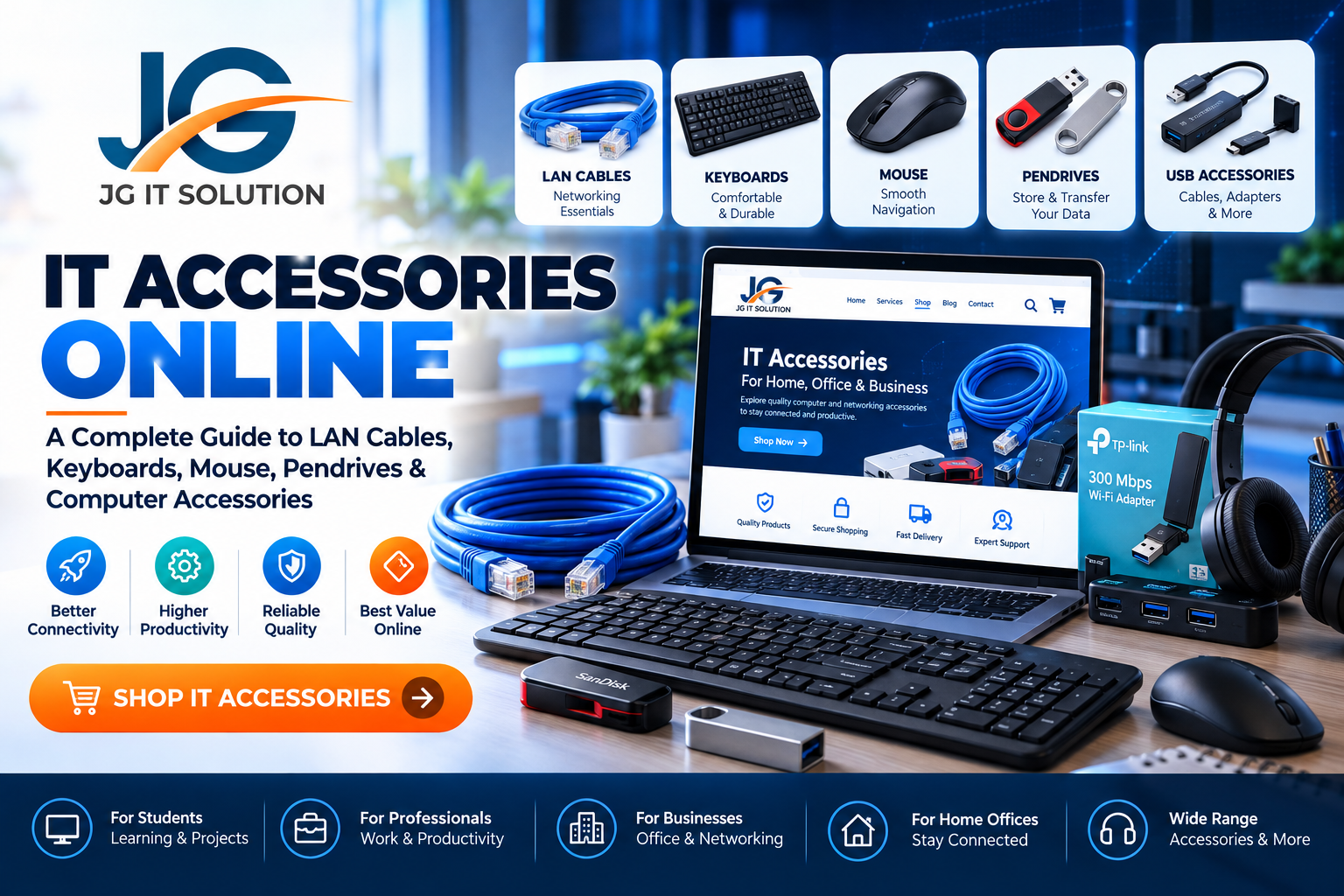
IT Accessories Online: A Complete Guide to LAN Cables, Keyboards, Mouse, Pendrives & Computer Accessories
Technology is an essential part of everyday life. From office work and online classes to business operations, gaming, networking and digital communication, the right computer accessories help make work easier and more efficient.
Whether you are setting up a new computer, upgrading your home office, connecting networking devices or looking for everyday computer essentials, choosing the right IT accessories is important.
JG IT Solution provides an online shopping destination for IT accessories and digital products. Our shop currently features a Cat6 Ethernet Patch Cable, with the aim of making it easier for customers to explore useful technology products as the store grows.
In this guide, we will explain the different types of IT accessories, what to consider before buying them online, how to choose networking products and which accessories may be useful for your home, office or business.
What Are IT Accessories?
IT accessories are supporting products and devices used with computers, laptops, networking equipment and other technology systems. They can improve connectivity, productivity, data storage, device usability and everyday computing.
Some IT accessories are essential for basic computer operations, while others are useful for specific requirements such as transferring files, connecting network devices or creating a comfortable workspace.
Common types of IT accessories include:
LAN cables and Ethernet networking accessories
Computer keyboards and mouse devices
USB cables, adapters and connectivity accessories
Pen drives and external storage devices
Computer and laptop accessories
Networking cables and related components
Device connectivity and peripheral accessories
The right accessories depend on how you use your devices, the equipment you already own and the tasks you need to perform.
Why Choose the Right Computer Accessories?
Buying suitable computer accessories is not only about price. Compatibility, build quality, specifications and intended use are equally important.
1. Better Connectivity
Networking accessories such as Ethernet cables help connect compatible devices to routers, switches and other network equipment. A suitable cable can support reliable wired connectivity when properly installed and used with compatible hardware.
2. Improved Productivity
A comfortable keyboard and responsive mouse can make everyday typing, navigation and office tasks more convenient. The right peripherals can be especially helpful for students, professionals and people who spend many hours working on computers.
3. Convenient File Transfer
USB accessories and portable storage devices can help users transfer documents, photos, presentations and other files between compatible devices.
4. Organised Workspaces
Useful accessories such as cable connectors, adapters and peripheral devices can help simplify a workstation and reduce connectivity problems.
5. Suitable Solutions for Different Needs
A student may need basic peripherals and storage, while a business office may require networking accessories, additional connectivity options and multiple computer peripherals. Selecting products according to actual requirements helps avoid unnecessary purchases.
Types of IT Accessories You Should Know About
The IT accessories market includes several product categories. Understanding their uses makes it easier to identify the right products for your setup.
1. LAN Cables and Ethernet Networking Accessories
LAN cables, also known as Ethernet cables, are used to establish wired network connections between compatible devices.
They are commonly used with routers, switches, computers, network panels and other Ethernet-enabled equipment.
A suitable Ethernet cable may be useful for:
Home and office networking
Connecting desktop computers to a router
Networking installations for small businesses
Connecting compatible switches and networking equipment
Organising wired network connections
What Is a Cat6 Ethernet Cable?
Cat6 is a category of Ethernet cabling designed to support specified networking performance requirements. Cat6 cables are commonly used in home, office and business networking environments.
Before purchasing a Cat6 cable, consider:
Cable length: Select a length suitable for your installation.
Compatibility: Confirm that your devices support Ethernet connections.
Build quality: Review the conductor material, connectors and product specifications.
Performance requirements: Check the supported frequency and data transmission specifications.
Installation environment: Consider cable routing, flexibility and the conditions where the cable will be installed.
Actual network performance depends on the complete setup, including the cable, connected devices, installation and network equipment.
Looking for a networking cable? Explore the Cat6 Ethernet Patch Cable from JG IT Solution for its listed specifications, price and availability.
2. Computer Keyboards
A keyboard is one of the most frequently used computer peripherals. It allows users to type documents, enter information, use keyboard shortcuts and perform everyday computer tasks.
Different keyboard types serve different needs.
Standard keyboards: Suitable for general typing, browsing, educational work and routine office tasks.
Wired keyboards: Connect through a cable, commonly USB, to compatible devices. They can be a practical option for fixed workstations.
Wireless keyboards: Offer cable-free convenience and may connect through a USB receiver or Bluetooth, depending on the model.
Compact keyboards: Use a smaller layout for workspaces where desk space is limited.
Before choosing a keyboard, check the connection type, key layout, compatibility, build quality and intended use. Wireless models may also require batteries or charging.
3. Computer Mouse
A computer mouse helps users navigate applications, select items, work with documents and control desktop interfaces.
Common options include wired, wireless, compact travel and ergonomic mouse devices.
Consider these points before buying a mouse:
Wired or wireless connectivity
Compatibility with your computer or laptop
Comfortable shape and size
Sensor performance suitable for your tasks
Button layout and scroll wheel
Battery or charging requirements for wireless models
For regular office work, a simple mouse may be sufficient. Users working for extended periods may prefer a model with a shape that suits their hand and working style.
4. Pendrives and USB Storage Accessories
Pen drives, also called USB flash drives, are portable storage devices used to store and transfer digital files.
They can be useful for carrying documents, presentations, photos, educational material and other files between compatible devices.
Before selecting a pen drive, consider:
Storage capacity
USB connector type
Compatibility with your devices
Read and write speed specifications
Physical design and portability
Warranty and manufacturer information
Remember that USB connector types and data transfer speeds can differ. Check the specifications of both the storage device and the equipment you plan to use.
For important information, keep a separate backup rather than relying on a single portable storage device.
5. USB Cables, Adapters and Connectivity Accessories
USB cables and adapters help connect compatible devices and peripherals. Depending on their specifications, they may support data transfer, charging or other functions.
Common examples include USB-A cables, USB-C cables, USB hubs and connectivity adapters.
Not every cable or adapter supports the same functions. Some support charging only, while others also support data transfer or specific display capabilities.
Before buying, verify the connector types, supported functions, power requirements and compatibility with your devices.
6. Networking Accessories for Home and Office
Networking accessories help connect and organise equipment within a wired network.
Depending on the installation, a network setup may require Ethernet cables, connectors, patch cables and other compatible networking components.
Home users may need basic connectivity products, while offices and businesses may need multiple cables and accessories for workstations, routers and switches.
Always choose products according to the specifications of your existing networking equipment and the requirements of the installation.
7. Other Computer and IT Accessories
As technology needs grow, users may also look for additional accessories for computers, laptops and workstations.
Examples include laptop connectivity accessories, peripheral cables, USB hubs, storage accessories and other compatible computer add-ons.
Product availability and specifications can vary. Check the current shop catalogue to see which products are listed and available for purchase.
How to Choose the Best IT Accessories Online
When shopping for IT accessories online, follow a few practical steps to make a more informed decision.
Step 1: Identify Your Requirement
Start by identifying what you need the product to do. Are you connecting a computer to a router, improving your workstation, transferring files or adding a peripheral?
A clear requirement makes it easier to compare relevant products.
Step 2: Check Compatibility
Compatibility is one of the most important factors. Verify the connector, operating requirements, supported devices and technical specifications before placing an order.
For networking accessories, confirm that the product suits your intended network setup.
Step 3: Compare Specifications
Do not compare products by price alone. Review the listed specifications, product description, dimensions, supported functions and other relevant details.
For storage devices, compare capacity and speed. For cables, review length, connector type and supported specifications. For keyboards and mouse devices, consider connectivity and usability.
Step 4: Review Product Information
A useful product listing should clearly describe what is included, the key specifications and the intended use.
If important information is missing, contact the seller before purchasing.
Step 5: Check Price and Availability
Prices, offers and stock availability can change. Review the current product page for the latest listed price, availability and applicable terms.
Step 6: Review Delivery, Returns and Support Policies
Before ordering, read the applicable shipping, return, exchange and support policies. Keep your order confirmation and contact the seller if you need help with your purchase.
IT Accessories for Students, Professionals and Businesses
Different users have different technology requirements. Here are some examples of how IT accessories can support everyday activities.
For Students
Students may use keyboards, mouse devices, USB storage and connectivity accessories for assignments, presentations, online learning and computer-based projects.
For Home Offices
Home office users may benefit from suitable peripherals, Ethernet connectivity and adapters that match their workstation setup.
For Small Businesses
Small businesses may require computer peripherals and networking accessories to support office computers, internet connectivity and daily operations.
For IT Professionals
IT professionals and technicians may use networking cables, adapters and other compatible accessories during setup, maintenance and troubleshooting work.
For Educational Institutions
Schools, training centres and computer laboratories may need peripherals and networking components based on the number of computers, installation layout and equipment specifications.
The best choice depends on the actual use case, compatibility and budget.
Why Explore IT Accessories at JG IT Solution?
JG IT Solution is an IT solutions business based in Rajkot, Gujarat. Alongside its technology services and digital products, the online store provides a place to explore listed IT accessories.
Customers can visit the shop to:
Browse currently listed IT accessories
Review product descriptions and specifications
Check current prices and availability
Explore networking products such as Ethernet cables
Access product and contact information in one place
Our store catalogue may expand as additional products become available. Customers should refer to the live product listings for current stock, specifications and purchase details.
Visit the JG IT Solution online shop to explore available products.
Frequently Asked Questions About IT Accessories
1. What are IT accessories?
IT accessories are products used with computers, laptops, networking equipment and related devices. Examples include Ethernet cables, keyboards, mouse devices, USB accessories and portable storage devices.
2. Where can I buy IT accessories online?
You can explore the JG IT Solution Shop to review the IT accessories currently listed on the website, including product details, pricing and availability.
3. What is a Cat6 Ethernet cable used for?
A Cat6 Ethernet cable is used for wired network connections between compatible devices. It may be used with computers, routers, switches and other Ethernet-enabled equipment, depending on the setup.
4. How do I choose the right LAN cable?
Check the required cable length, connector type, compatibility, product specifications and installation requirements. For a network installation, also consider the capabilities of the connected devices.
5. Are wired or wireless keyboards better?
Both have advantages. Wired keyboards connect through a cable and are suitable for fixed workstations. Wireless keyboards offer greater flexibility, but their connectivity, battery and charging requirements depend on the model.
6. What should I check before buying a computer mouse?
Review its connection type, device compatibility, shape, sensor specifications and intended use. Choose a design that feels comfortable for your working style.
7. What should I consider before buying a pen drive?
Check storage capacity, connector type, transfer speed, compatibility and warranty information. Always maintain backups of important files.
8. Can I buy networking accessories for my office?
Yes, you can explore the available products in the JG IT Solution Shop. Confirm that the listed products meet your office's requirements before ordering.
9. Are all USB cables and adapters compatible with every device?
No. Connector types, data transfer support, power capabilities and other functions vary. Check the specifications of the accessory and your device before purchasing.
10. How can I check the latest product price and availability?
Open the relevant product page on the JG IT Solution website. The live listing is the best place to check the current displayed price, stock status and product information.
Final Thoughts
The right IT accessories can make computer use more convenient, improve connectivity and support productivity at home, in offices and across business environments.
From Ethernet cables and keyboards to mouse devices, pen drives and USB accessories, every product should be selected according to its intended purpose, specifications and compatibility.
If you are looking for IT accessories online, start by identifying your needs and reviewing the available product information carefully.
Explore the JG IT Solution Shop to view the products currently available and discover suitable technology accessories for your setup.
For product-related questions, you can contact JG IT Solution at +91 81412 32527 or email info@jgitsolution.in.
Product availability, prices and specifications may change. Please refer to the live product listing for the latest information.