 Welcome To JG IT Solution E-Store
A payslip (or salary slip) is a document given by an employer to an employee every month. It shows the earnings, deductions and net salary paid for the pay period.
 Welcome To JG IT Solution E-Store
Welcome To JG IT Solution E-Store
Welcome To JG IT Solution E-Store
Welcome To JG IT Solution E-Store
Welcome To JG IT Solution E-Store
Welcome To JG IT Solution E-Store
Welcome To JG IT Solution E-Store
Welcome To JG IT Solution E-Store
Welcome To JG IT Solution E-Store
Visit jgitsolution.com to create professional payslips for free.
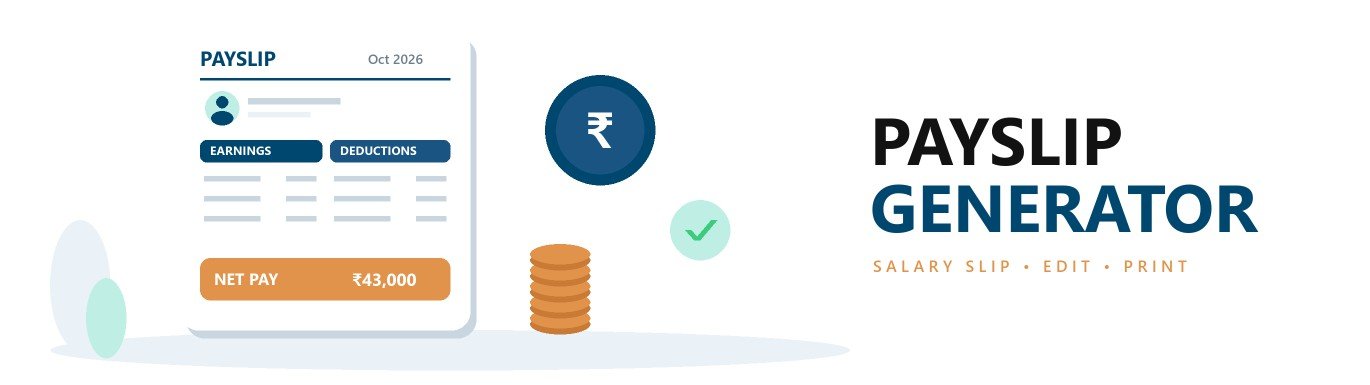
Create a professional salary slip in minutes with the free payslip generator by JG IT Solution. Add your company logo, employee details, earnings and deductions - the tool calculates gross earnings, total deductions and net pay in words automatically. Print the payslip or save it as PDF instantly - no sign-up and completely free.
A payslip or salary slip is a document issued by an employer to an employee for every pay period, usually every month. It shows the salary earned, the deductions made and the final net salary credited to the employee. Employees use salary slips as proof of income, and employers use them to keep clear payroll records.
Upload your company logo and enter the company name and address.
Enter the salary month (pay period) and the pay date.
Fill in the employee name, ID, designation, department, PAN, UAN, bank account and paid days. Add or remove fields as needed.
Enter Basic, HRA, allowances and other earnings, and deductions like PF, professional tax and TDS. Add or remove rows anytime.
Net pay is calculated automatically. Click "Print / Save PDF" and choose "Save as PDF" to download the payslip.
The fixed core part of the salary. Many other components, such as PF, are calculated on Basic.
Paid to help with rent. It can be partly tax-exempt under the old tax regime, subject to rules.
Paid for travel between home and office.
A flexible allowance that makes up the balance of the salary structure.
Performance-based or festival payments, added in the month they are paid.
Extra pay for working beyond regular working hours.
Employee contribution to EPF, generally 12% of Basic (and DA) as per EPF rules.
Health insurance contribution for eligible employees under the ESI scheme.
A state-level tax on employment. The amount depends on the state and salary slab.
Tax deducted at source on salary as per the employee's tax regime and declarations.
Recovery of salary advance or loan given by the employer.
Deduction for unpaid leave or absent days.
For example, if the gross earnings are ₹45,000 (Basic ₹25,000 + HRA ₹10,000 + Conveyance ₹1,600 + Special Allowance ₹8,400) and the deductions are ₹2,000 (PF ₹1,800 + Professional Tax ₹200), the net pay is ₹43,000.